
Albovo Blog
7 articles
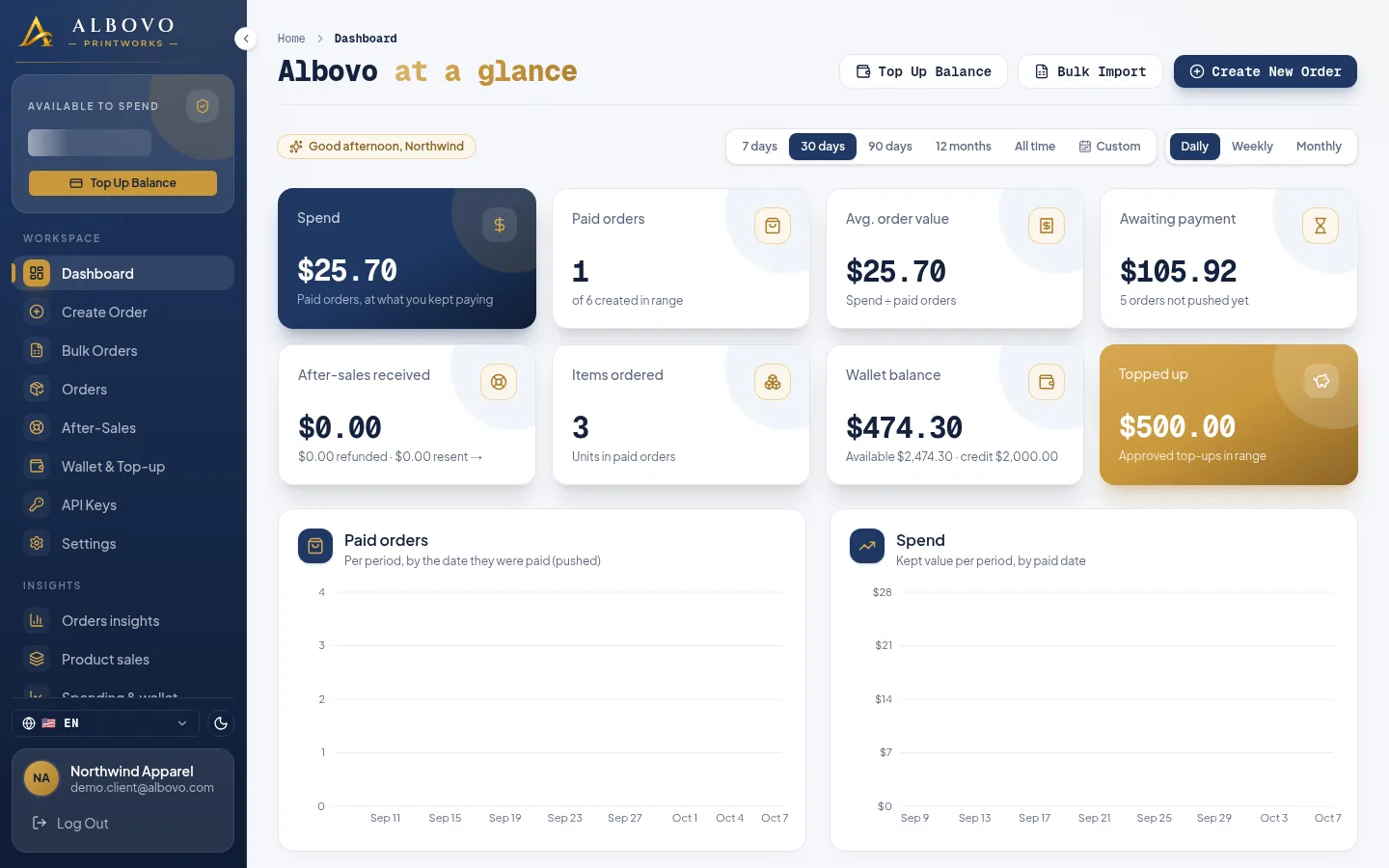
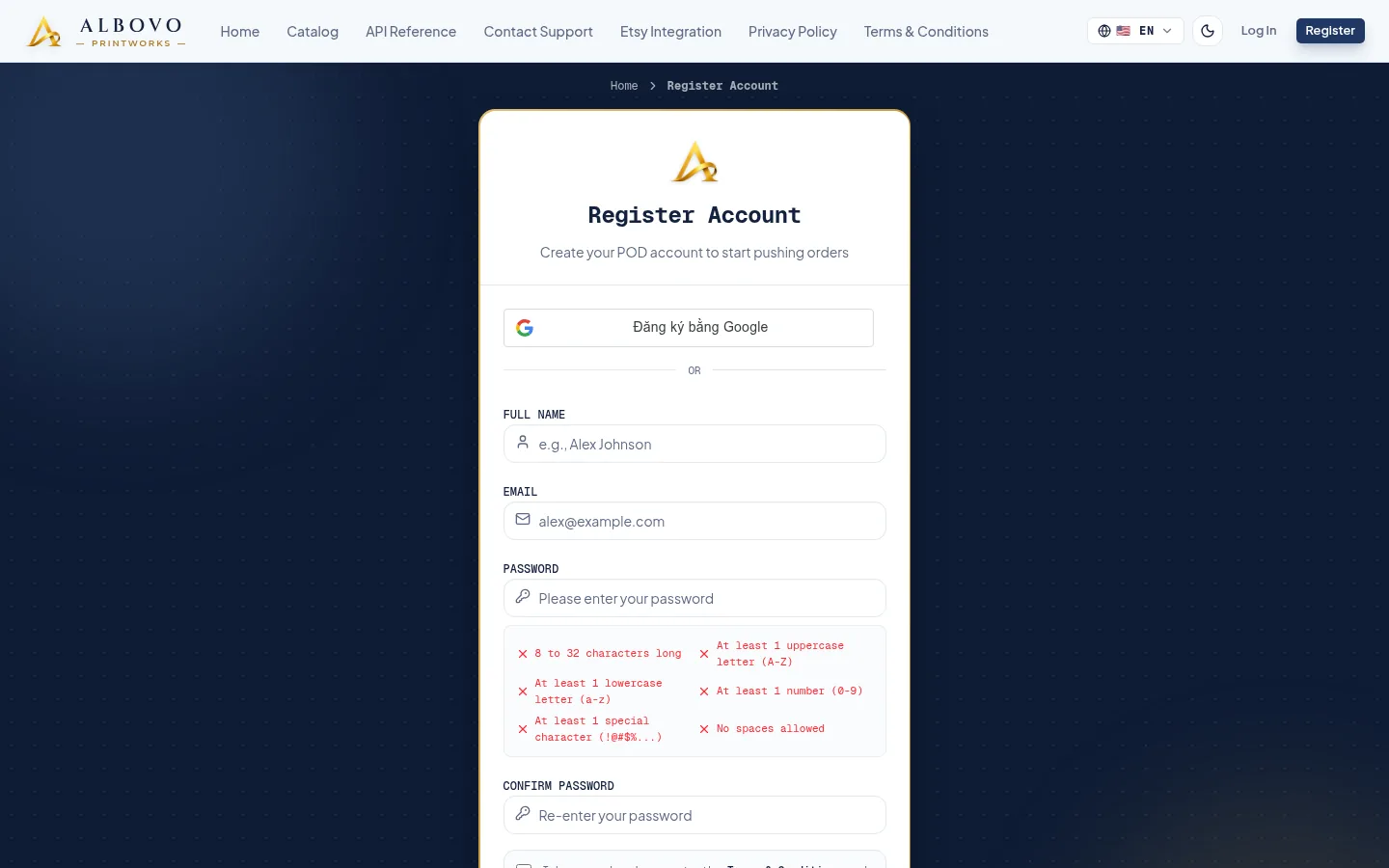
How to Log In to Your Albovo Account
Create an account, verify your email, sign in with a password or Google, and fix the three messages that can stop you at the door.
Read article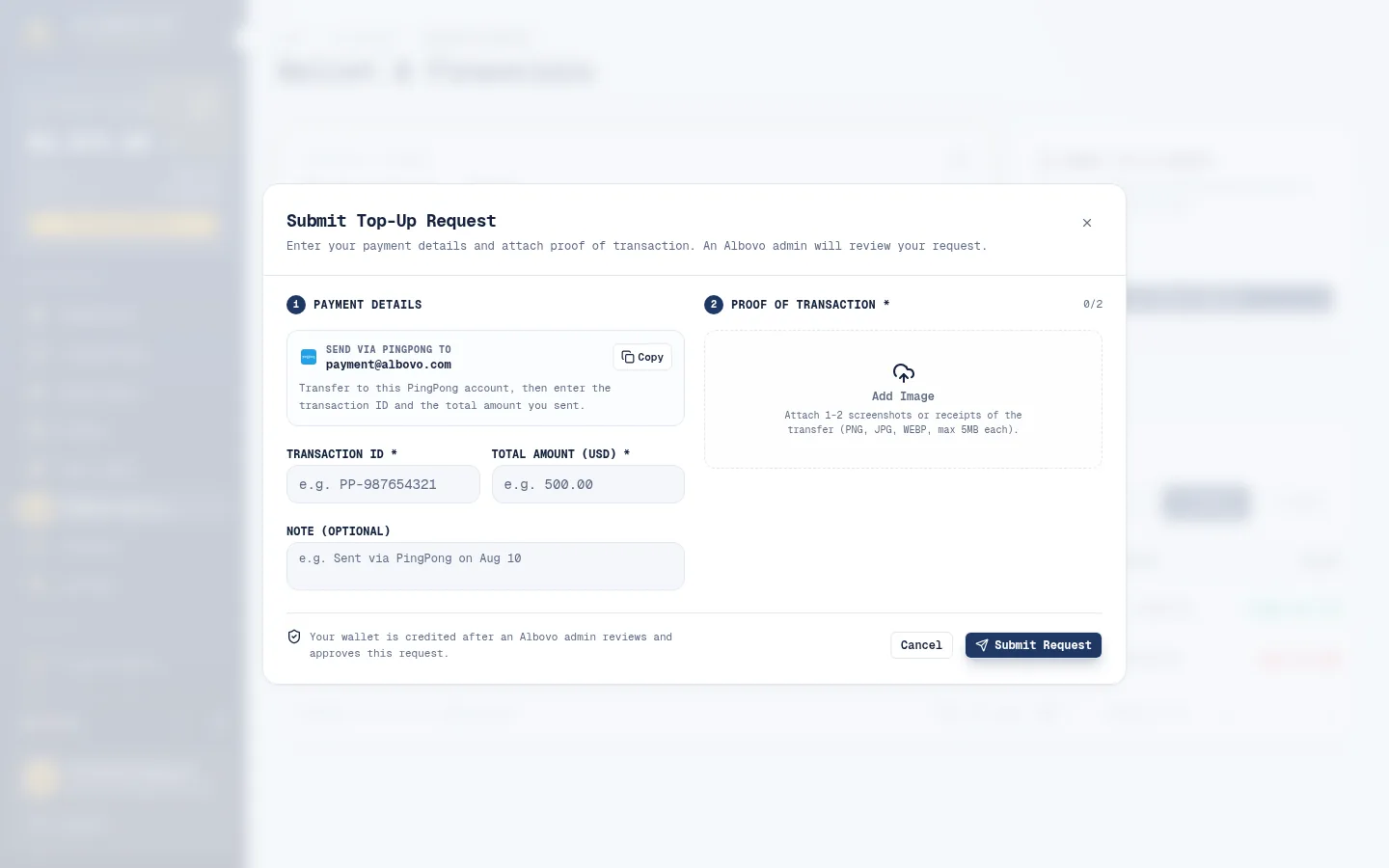
How to Top Up Your Wallet and Read Your Transactions
Submit a top-up request with proof of payment, follow it through review, and read every credit and debit in your transaction history.
Read article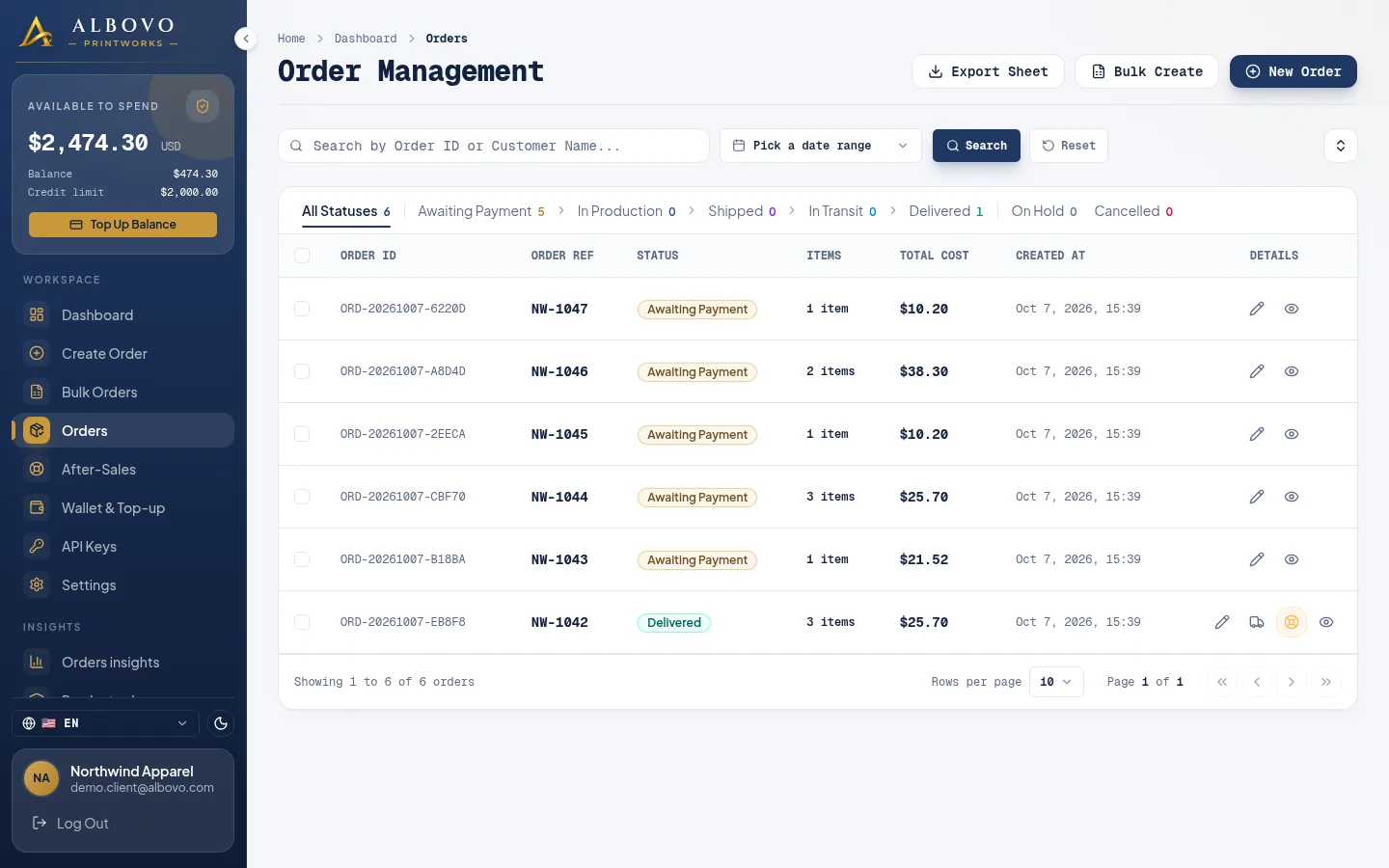
How to Create an Order and Push It to the Factory
Fill the three-step order form, check the price against your wallet, then push the order to the factory — and fix it when a push comes back with a reason.
Read article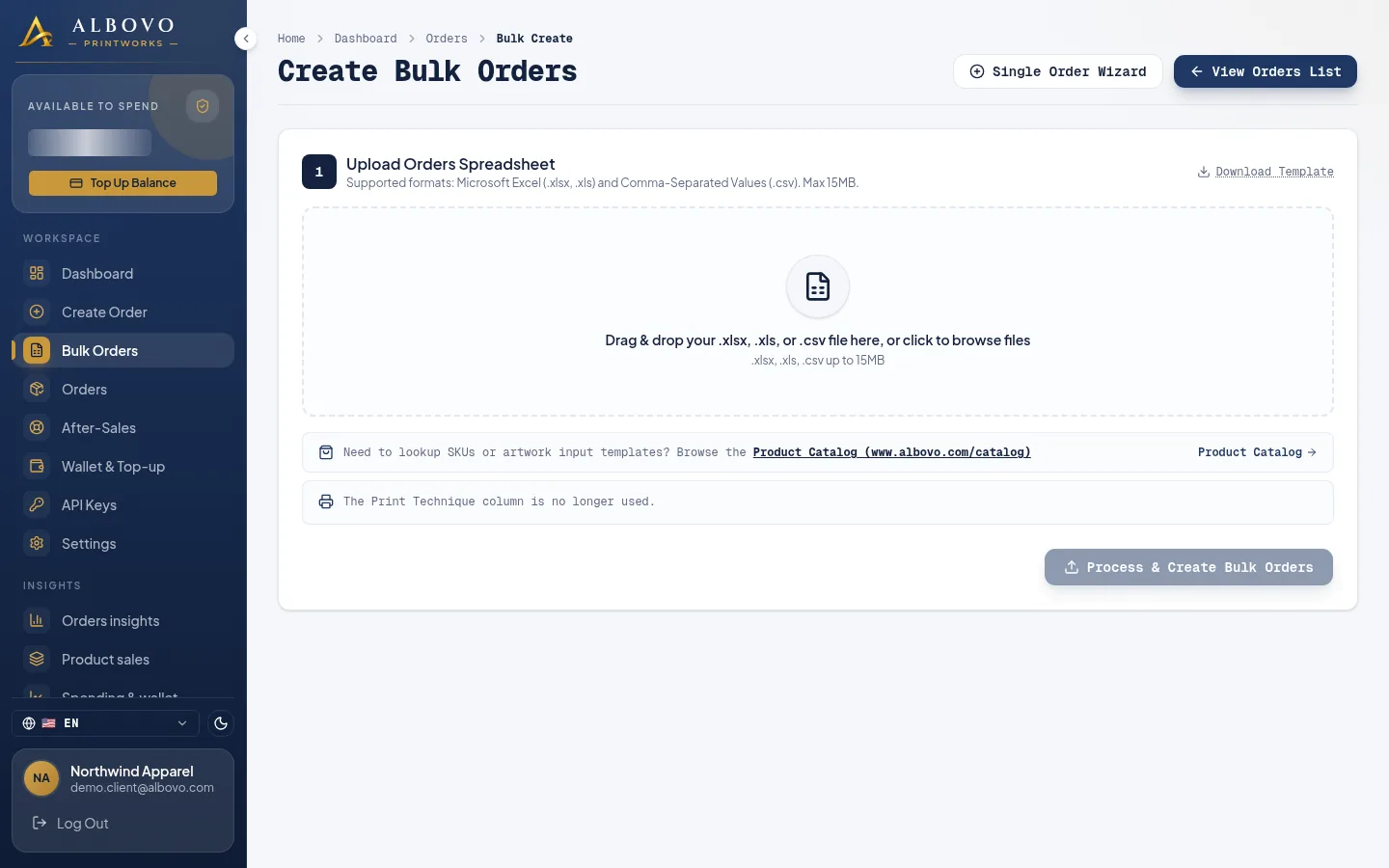
How to Create Bulk Orders with the Spreadsheet Template
Fill the Albovo template once, upload one file and create hundreds of orders — including the rules that decide whether a row passes.
Read article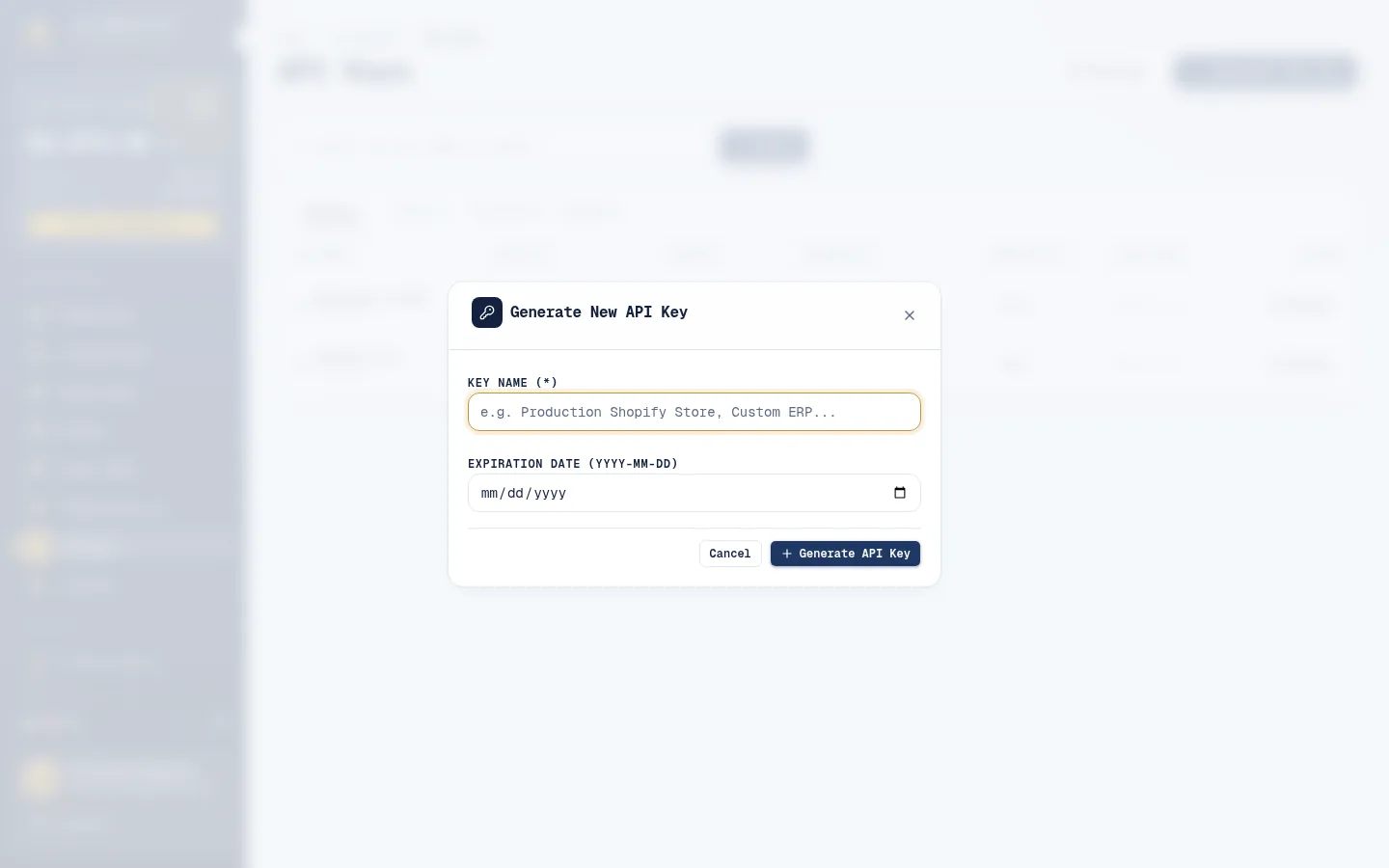
How to Create an API Key and Connect the API
Generate a key on the API Keys page, copy it once, send your first authenticated request, and know which endpoints a key may call.
Read article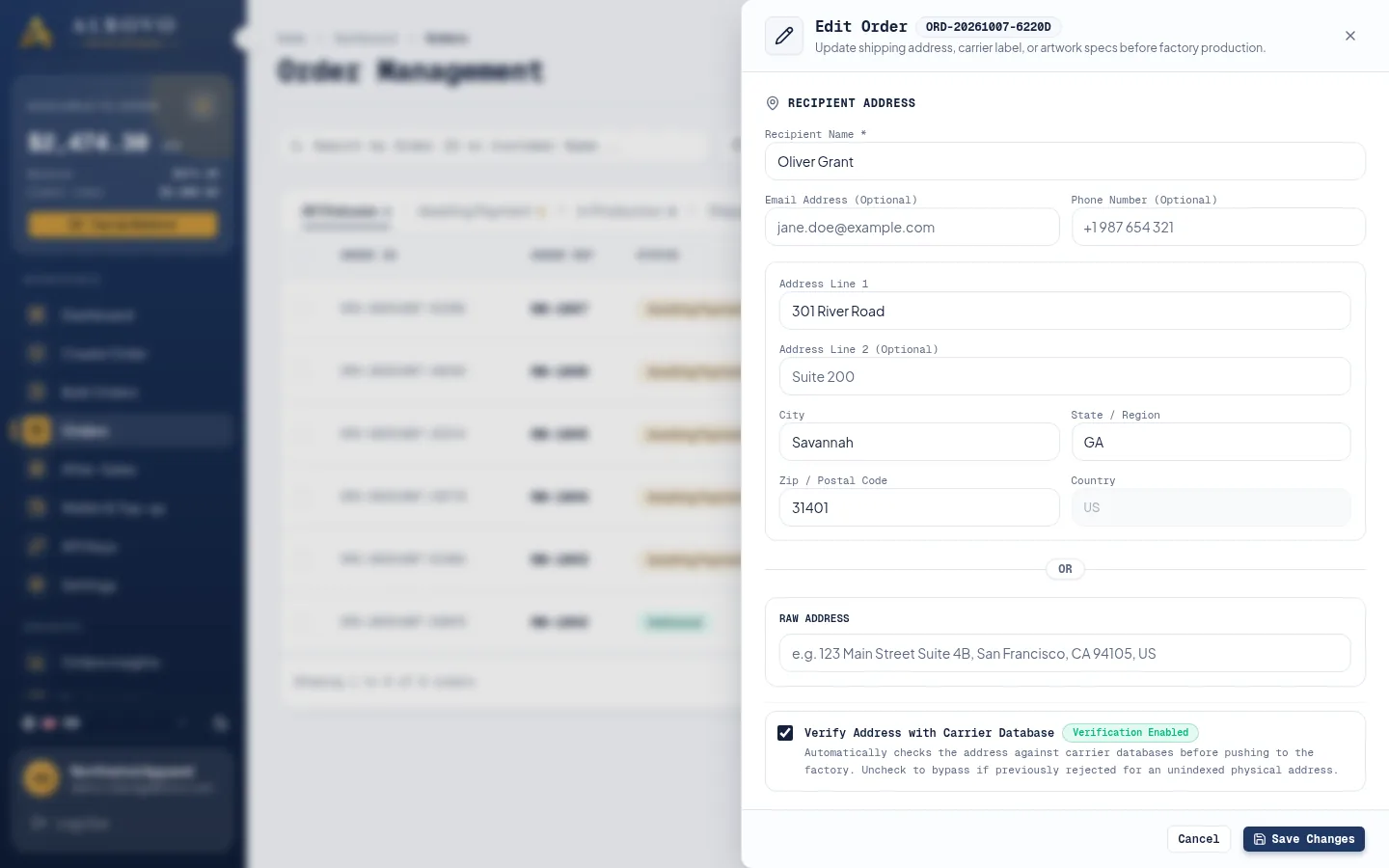
Every Field of an Albovo Order, Explained
A field-by-field reference for one order — identifiers, status, recipient, delivery, items, artwork, money and tracking — in the dashboard and in the API.
Read article